15% OFF on All Products. Use Coupon code: FME15OFF2026





Store Locator for Magento 2




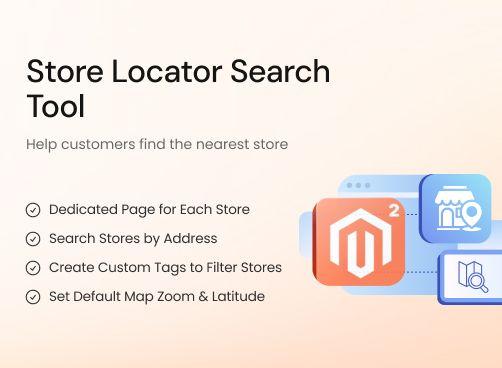
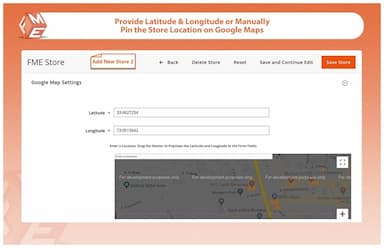
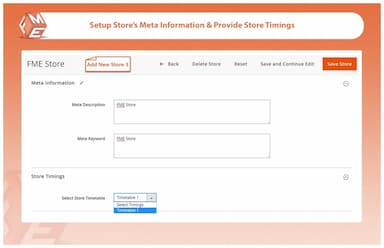
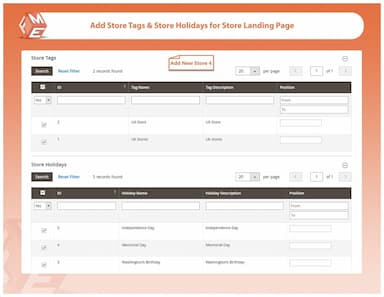
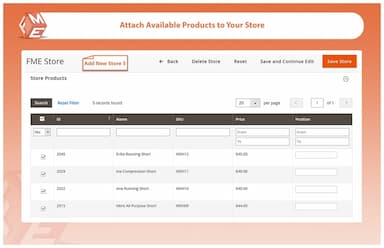
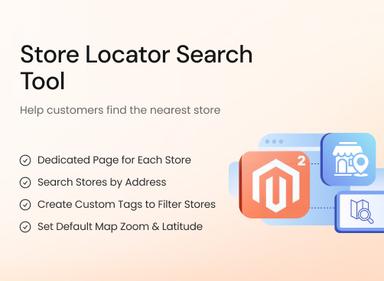
Easily showcase your physical store locations with the Magento 2 Store Locator Extension.
- List and display your store locations on an integrated Google Map
- Display store's details i.e. store name, address, holidays, etc.
- Allow customers to filter stores by address, tags, and radius
- Add or import stores via CSV file upload
- Extensive SEO configurations for store location pages
- Enable in-store pickup with Magento 2 Store Pickup extension



Store Locator
$99.99
- Description
- Reviews
- FAQS
- Customization
- Change Log
The Magento 2 Store Locator Extension (also called Magento 2 store finder) allows you to list and display all your store locations on an integrated Google Map. Customers can view store details, including name, address, holidays, and more, and filter stores by address, tags, or radius. Admins can add or import stores via CSV files and configure SEO settings for store location pages.

Challenge
Customers often face difficulty in finding nearby physical stores when shopping online because most Magento stores either do not offer a store locator feature or display store details in a scattered and non-intuitive way. This creates frustration for users who want to visit a physical location before making a purchase, ultimately leading to lost footfall, reduced trust, and missed sales opportunities, especially for businesses with multiple store locations.

Solution
The Magento 2 Store Locator module solves this problem by providing a powerful, map-based store search that helps customers quickly find nearby stores using their current location or entered address. It centralizes all store information such as addresses, contact details, and opening hours into a single, easy-to-navigate interface, making it simple for customers to get directions and visit stores. This improves user experience, increases in-store traffic, and strengthens online-to-offline conversions for Magento merchants.
Store Locator for Magento 2
$99.99
Key Benefits of Magento 2 Store Locator Extension

Interactive Store Locator
Display store locations with maps, directions, and details.

Improve Local Visibility
Help customers find nearby stores quickly and easily.

Boost In-Store Visits
Drive foot traffic by providing accurate location information.

Detailed Features of Magento 2 Store Locator Module
Store Listing Page
Dedicated Page for Each Store
Search Stores by Address
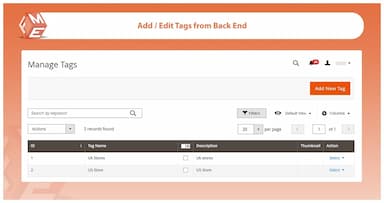
Create Custom Tags to Filter Stores
Set Default Map Zoom, Latitude & Longitude
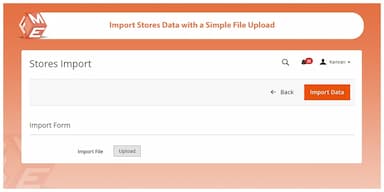
Import Stores Data with a Simple File Upload
Rank Your Store Pages with SEO Optimization
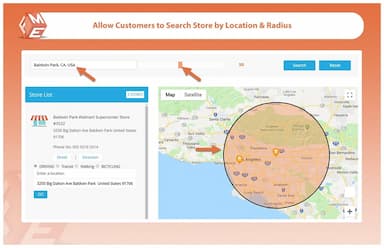
Allow Customers to Filter Stores by Radius

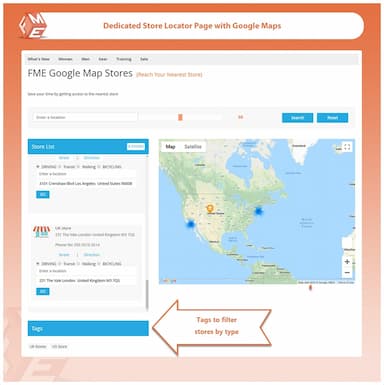
Create a dedicated and customizable store listing page that displays all your locations in one place, including store names, images, addresses, and contact details. Each store is pinned on Google Maps, making it easy for customers to view locations and get directions. A built-in search bar allows users to quickly find stores by address or within a specific radius. You can also customize the page title and description to match your brand and improve SEO.

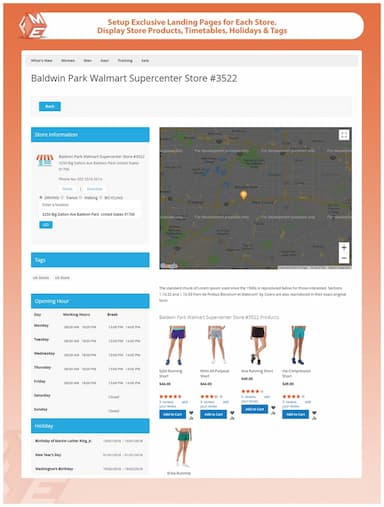
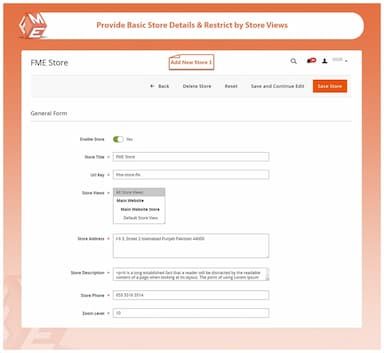
To display important information about your store, this Magento 2 Store Locator module creates a dedicated page for individual store location where you can manage, view & edit the following details:
- Store image, title, and description
- Store address and URL
- Contact details
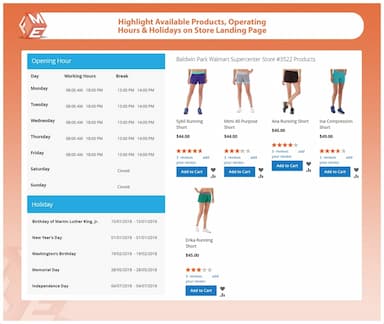
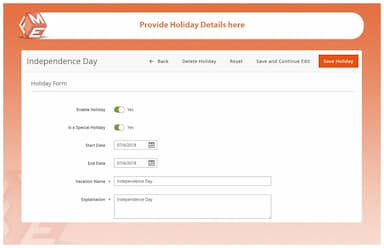
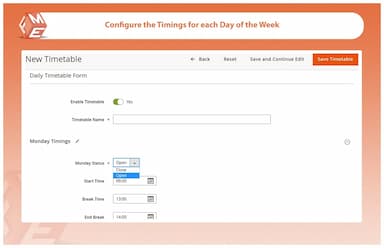
- Holidays & operating hours
- Available products
- Parking and ATM availability

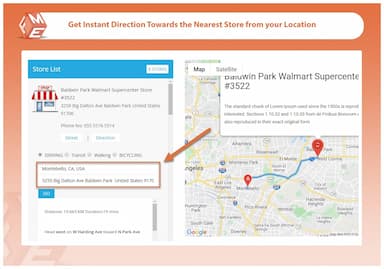
Provide your customers with the ultimate shopping experience and let them find the store of their interest by providing address. The handy search box will auto suggest all the stores located in the provided address. Customers can click on the one they are looking for to find its exact location on Google maps and get the driving directions.

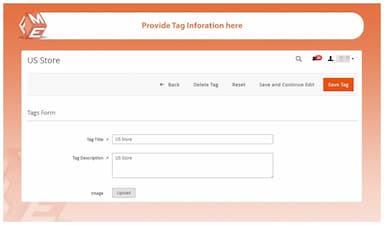
A separate tag management section in our store locator extension for Magento 2 allows you to create custom tags and make your stores easily identifiable.
Use Case:
Create tags by store types such as official store, franchise, etc. to let customers filter stores by nature. You can also create tags by locations like New York, Chicago, Beijing, etc.

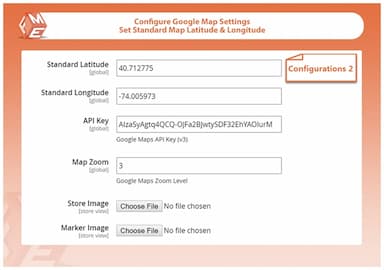
You can configure the default map zoom as well as the default latitude and longitude to display specific area on map. This helps show your store locations in a relevant area on the map.

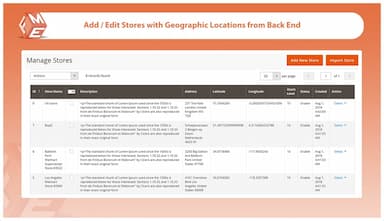
Create a new CSV file in an acceptable format to import the new stores data. Our previous customers can carry forward Stores data from Magento 1 to 2 by simply exporting data from M1 and upload the same file to M2.

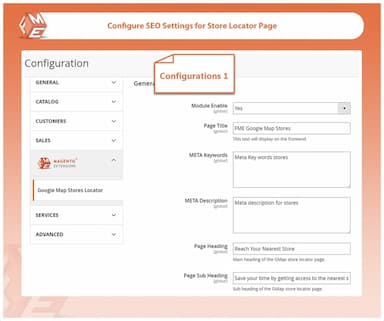
SEO optimization features help your Magento 2 store locator page and dedicated store pages to easily rank on Google SERPs. You can:
- Set meta title and description for store locator page
- Set meta title and description for each store page
This option helps you improve your store local SEO by adding region optimized meta title, description & keywords to each store page.

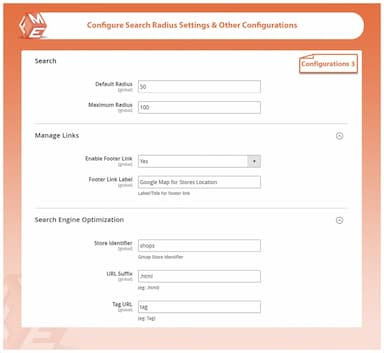
Advanced search features help your customers filter their search results based on radius. Customers can increase the default distance radius to search for more stores around them.
From back office you can:
- Set default radius
- Set maximum radius
Customers can use the following settings:
- Increase/reduce radius
- Reset search radius
Ulrick Sean
5Best tool so far
I have scrutinized a lot to find the store locator for my magento eCommerce website and searched in the listings as well. Finally I landed on this extension and found it the best considering features and price.
Cyril Noah
5Happy to have it!
This extension has added a lot of value to my business website. Exactly the same I expected. Nice Extension :)
Hymen Filbert
5Must have module
For my cash and carry store I have found this module very important. Its' beneficial for both, seller and buyer. Google maps store locator adds great value to the business as well. Appreciated!
Fergus Lohan
5Very Beneficial
After installing this extension, updating data about every branch of my brand on seperate page has become very easy. From business-growth perspective these features are worth to pay for.
Abana Morris
5Good piece of work
I am using this extension for my eCommerce stores, I like the most about it is that I can make a separate page for every physical store and put details about it precisely.
Updated
Fixed
Added
Version 1.1.6 — Released: December 15, 2025
- Updated compatibility for Hyvä to ensure the extension works seamlessly with the Hyvä theme . A separate Hyvä package is included in the download.
Version 1.1.5 — Released: April 16, 2025
- GraphQL compatibility added — now supports querying store locations and details via GraphQL APIs.
- Performance improvements for faster store location loading on frontend.
Version 1.1.4 — Released: September 25, 2024
Magento 2.4.7 compatibility confirmed.
Version 1.1.3 — Released: August 10, 2024
Magento 2.4.6 compatibility ensured with smoother integration on Luma and custom themes.
Version 1.1.2 — Released: July 3, 2024
- Magento 2.4.5 compatibility added.
- Minor CSS adjustments for mobile responsiveness.
Version 1.1.1 — Released: April 18, 2024
- Fixed issue where store markers were not displaying for certain regions on the map.
- Fixed store search bug. Customers can now seearch stores by store name, city, state, country and zip code.
Version 1.1.0 — Released: February 5, 2024
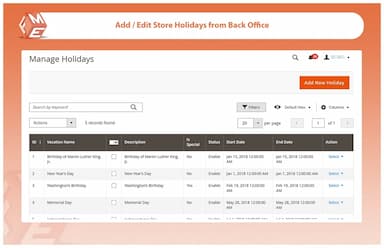
Introduced feature to set custom store hours and holiday closures.
Version 1.0.9 — Released: September 3, 2023
Added meta data options such as availability of car parking, ATM, payment methods, etc. to be added with each store.